
In Counter-Strike 2, your crosshair impacts every duel, every spray transfer, and every headshot. A poorly configured crosshair can quickly become distracting, while the right setup almost disappears on your screen—letting muscle memory take over.
Size, color, thickness, static or dynamic style: here’s everything you need to know to find the perfect CS2 crosshair, understand the settings used by professional players, and easily import their configurations.
Why the Crosshair Matters So Much in CS2
Your crosshair acts as a visual reference point to improve accuracy. It helps you line up shots more consistently, control recoil more effectively, and maintain clear visibility during intense fights.
In Counter-Strike 2, crosshair settings have become even more important than in CS:GO. Maps are brighter and more detailed, making certain colors harder to see depending on the environment.
A good crosshair should:
- Stay visible on every map
- Avoid covering the enemy model
- Provide a clear reference during sprays
- Feel natural after hours of gameplay
Most experienced players now prefer a static crosshair, which is more precise and less distracting than a dynamic one.
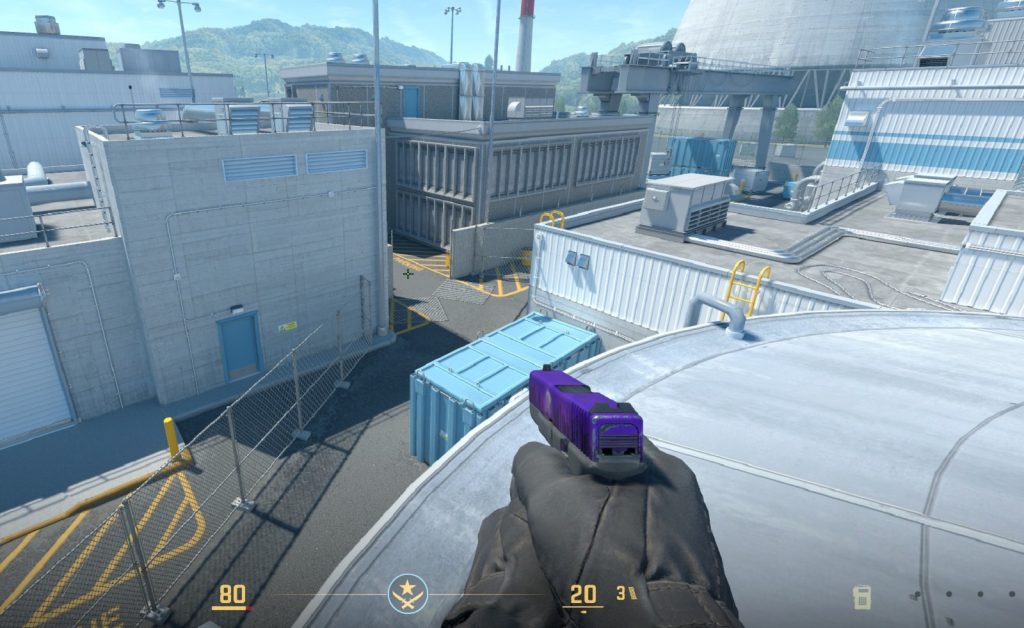
How to Change Your Crosshair in CS2
Valve added a complete crosshair editor directly into the game settings.
To access it:
- Open the settings menu via the gear icon
- Go to the Game tab
- Select the Crosshair section
CS2 includes a real-time preview system, allowing players to instantly test adjustments. You can also preview your crosshair against different backgrounds to ensure visibility across multiple maps and lighting conditions.
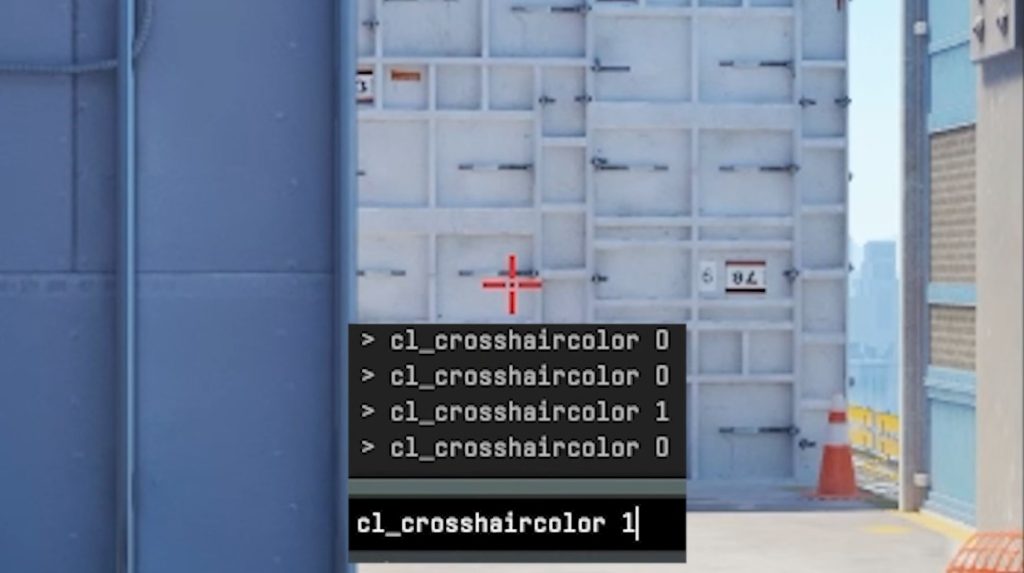
Advanced players can also use the developer console to fine-tune crosshair commands with greater precision.
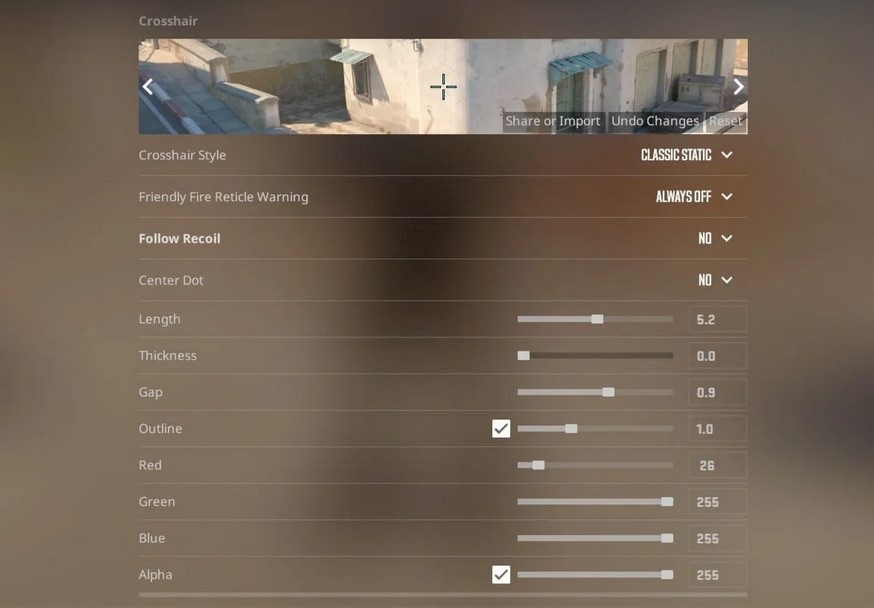
Understanding the Main Crosshair Settings
Crosshair Style
The style determines how the crosshair behaves.
Dynamic crosshairs expand while moving or shooting to visually indicate inaccuracy. They can help beginners better understand movement and shooting mechanics.
However, most experienced players use a static crosshair, which keeps the same size at all times and encourages proper “stop-and-shoot” fundamentals.
Size
Size controls the length of the crosshair lines.
Smaller crosshairs generally offer better precision and keep targets more visible. Most pros use values between 1 and 3.
Aggressive players or beginners may prefer slightly larger crosshairs for easier tracking during close-range fights.
Thickness
Thickness affects visibility.
A very thin crosshair provides a cleaner center but can become difficult to see on lower resolutions or less fluid monitors. Thicker lines improve visibility but may block more of the target.
Most professional players use values between 0 and 0.5.
Gap
The “gap” is the space between the lines and the center.
Negative gap values tighten the crosshair for a more compact and precise feel. Values between -3 and -1 are extremely popular among pros.
Color
Color choice is crucial in CS2.
Cyan and green remain the most popular options because they offer strong contrast across most maps. White can blend into bright environments, while yellow may disappear on sandy maps like Dust II.
The goal is simple: pick a color you never lose track of.
Outline
Outlines add a black border around the crosshair.
This can improve visibility on lower resolutions or stretched 4:3 setups. On modern displays, however, many players disable outlines for a cleaner look.
Center Dot
The center dot adds a small point in the middle of the crosshair.
Some players like it for precise first-bullet accuracy, while others disable it to keep the center more open and uncluttered.
Static vs Dynamic Crosshair: Which Should You Use?
For most players, a static crosshair is the best option.
Dynamic crosshairs add movement and animations that can interfere with visual clarity during duels. Experienced players generally consider the extra information unnecessary since skilled players already understand when they’re accurate.
That said, dynamic crosshairs can still be useful for beginners learning how movement affects accuracy.
Best Crosshair Types by Playstyle
Rifler
Riflers typically prefer compact, precise crosshairs:
- Size: 1 to 3
- Thickness: 0 to 0.5
- Gap: -3 to -1
- Static style
- No center dot
AWPer
AWPers often use extremely small crosshairs—or even just a dot.
Since the AWP uses a scope while zoomed in, the default crosshair mainly matters during movement and noscope situations.
Entry Fragger
Aggressive players sometimes prefer slightly larger crosshairs to improve tracking during close-range fights and fast swings.
Beginner
Newer players may benefit from more visible setups:
- Medium size
- Outline enabled
- Slightly thicker lines
- Dynamic style at first
CS2 Pro Player Crosshair Codes
Testing professional settings is one of the most popular ways to find a solid starting point.
Here are a few crosshairs used by top-tier pros:
| Player | Team | Crosshair Code |
|---|---|---|
| Mathieu “ZywOo” Herbaut | Team Vitality | CSGO-33tjH-QWX3U-KcSnD-wu3wu-i2pxA |
| Nikola “NiKo” Kovač | Team Falcons | CSGO-2DAGq-9FCfi-qk3aN-FMNae-dAHnK |
| Danil “donk” Kryshkovets | Team Spirit | CSGO-pDjKq-MWKVt-6JBOs-uw8ic-45qmJ |
| Ilya “m0NESY” Osipov | Team Falcons | CSGO-eJRUn-yYTxp-bsSyA-RFOMh-DzurD |
| Oleksandr “s1mple” Kostyliev | BC.Game Esports | CSGO-E8xcE-27Lmw-2ipNt-3HZvp-pevvE |
Other players such as ropz, Twistzz, sh1ro, YEKINDAR, and flameZ also use highly popular crosshair setups within the CS community.
Keep in mind that a crosshair also depends on factors like resolution, aspect ratio, and mouse sensitivity. A crosshair designed for stretched 4:3 may look very different in 16:9.
How to Import a Crosshair in CS2
Importing a crosshair only takes a few seconds:
- Copy the crosshair code
- Open the game settings
- Go to Game > Crosshair
- Click “Share or Import”
- Paste the code
- Confirm with “Import”
The crosshair will be applied automatically.
How to Copy Another Player’s Crosshair
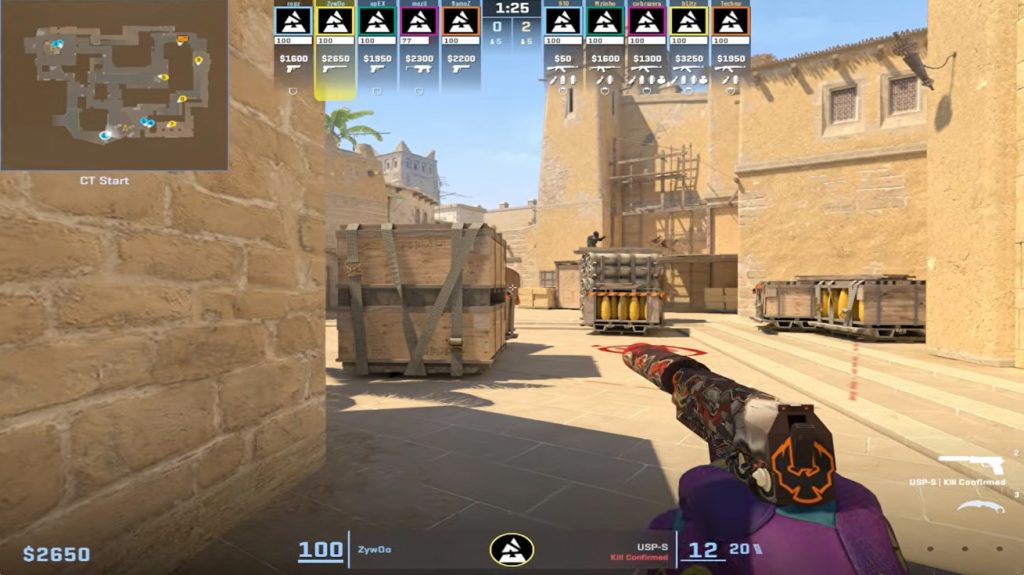
CS2 also lets you copy another player’s crosshair directly during a match.
Here’s how:
- Press TAB to open the scoreboard
- Enable your cursor with right-click
- Click the player you want
- Select “Copy Crosshair”
- Confirm the replacement
It’s always a good idea to save your own code before testing new setups.
Common Crosshair Mistakes
Constantly Changing Crosshairs
Switching crosshairs every day prevents you from building stable muscle memory. Once you find a solid setup, stick with it for several weeks before making adjustments.
Copying a Pro Without Adapting
Professional players use highly specific sensitivities, resolutions, and habits. Their crosshair should serve as inspiration—not necessarily as the perfect final setup.
Choosing the Wrong Color
An invisible crosshair immediately becomes a handicap. Always test your setup across multiple maps and lighting conditions.
Finding the Right Crosshair for Your Game
The best crosshair isn’t necessarily the flashiest one—or the one used by the best player in the world. The goal is to find a setup that feels comfortable, readable, and subtle enough to become second nature during fights.
Once your settings are dialed in, consistency should become the priority. In Counter-Strike 2, muscle memory and repetition often matter far more than constantly tweaking your configuration.
Which Crosshair Is Best for Spray Control in CS2?
Spray control mostly comes down to muscle memory and mastering recoil patterns, but your crosshair setup can still improve comfort and consistency during long sprays.
For spray control, most experienced players prefer:
- A static crosshair
- A tight gap
- A small size
- No distracting animations
Dynamic or recoil-following crosshairs can still help beginners. In CS2, the “Follow Recoil” option makes it easier to visualize weapon movement during sprays. This can help players better understand how to compensate for recoil patterns, especially with rifles like the AK-47 and M4A1-S.
However, competitive players usually disable this setting to maintain a fixed and more readable aim point during duels.
The Best Simple Crosshairs in CS2
Minimalist crosshairs remain extremely popular in Counter-Strike 2. A clean crosshair improves visibility without cluttering the center of the screen.
Simple crosshairs usually feature:
- A small size
- Thin lines
- No center dot
- No animations
- A highly visible color like cyan or green
Professional players such as Russel Van Dulken and Robin Kool are known for using particularly minimal crosshair setups focused on clarity and precision.
For many players, a subtle crosshair quickly feels more natural than one that is overly complex or thick.
Static vs Dynamic Crosshair in CS2
The debate between static and dynamic crosshairs has existed for years in Counter-Strike.
A static crosshair always keeps the same shape, regardless of movement or shooting. It has become the standard among nearly all professional players because it offers better visual consistency during fights.
A dynamic crosshair, on the other hand, expands while moving or firing. This can help newer players understand how movement affects weapon accuracy.
In practice:
- Beginners may learn faster with a dynamic crosshair
- Competitive players almost always prefer static crosshairs
Ultimately, the best option depends on your skill level and personal preference.
The Best Crosshair Generators for CS2
Crosshair generators allow players to test hundreds of configurations quickly without manually adjusting every setting.
The most popular option remains the crashz’ Crosshair Generator Workshop map, which has been widely used by the Counter-Strike community for years. It allows players to:
- Test crosshairs used by pro players
- Instantly modify settings
- Compare multiple styles
- Preview crosshairs on different backgrounds
Crosshair generators are especially useful for newer players experimenting with different setups before finding the one that best matches their playstyle.